Part 1: Containers?!
Physical solutions into the IT world.

- Sebastiaan
- 2 min read
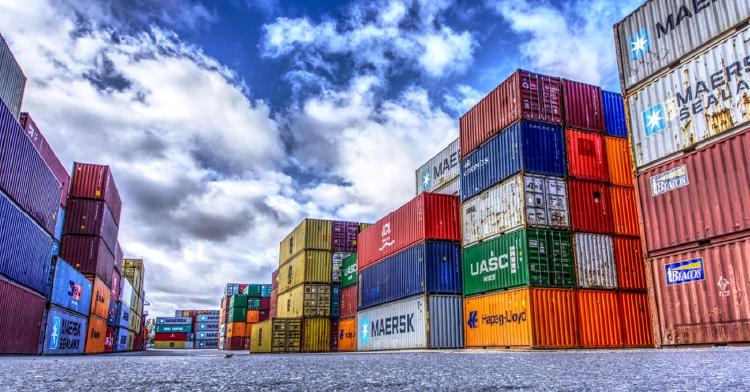
Containers, we are using them more and more, in professional environments but also in selfhosting and homelabs, but what execly is it? While in the real world we use physical shipping containers to move the products or make creative things from them, this is the digital variant.We can do all kinds of things with containers, run our scripts, deploy software or use them testing purposes. These containers are mostly light weight Operating System(s) (OS) with a specific purpose and can be easily shared through registries (storage place for containers). The general rule of thumb is to use one container for a function.
How to start with containers?
We need a container engine, this is software which is able to run our containers on top of our Operating System (OS). The most common are podman or docker. After following the documentation for required configuration and the installation is self, we can check if everything works like expected. open up a terminal or command prompt window and type:
# when installed podman
podman --version

# When installed docker
docker --version
If a version pops-up, you know that the installation went oke, if it doesn’t pop-up. Open a new terminal or command prompt window and try again (because of the command context)
Conclusion
We now know what containers are and have a container engine installed, we can now run containers on our computer and/or server. Stay tuned for Part 2: Running containers
- Tags:
- Containers